Incorporating artificial intelligence into my development toolchain helped me to rapidly build ShinyTimer, a macOS menu bar app, and its marketing website.
Building software quickly while maintaining quality has always been a challenge, but recent advancements in AI-assisted development have made it possible to go from idea to execution at an incredible pace. Over the course of just 3 days, I built ShinyTimer, a simple yet effective macOS menu bar time tracker, designed its app icon, and created a full marketing website — largely with the help of artificial intelligence.
The Idea: A Simple Menu Bar Time Tracker
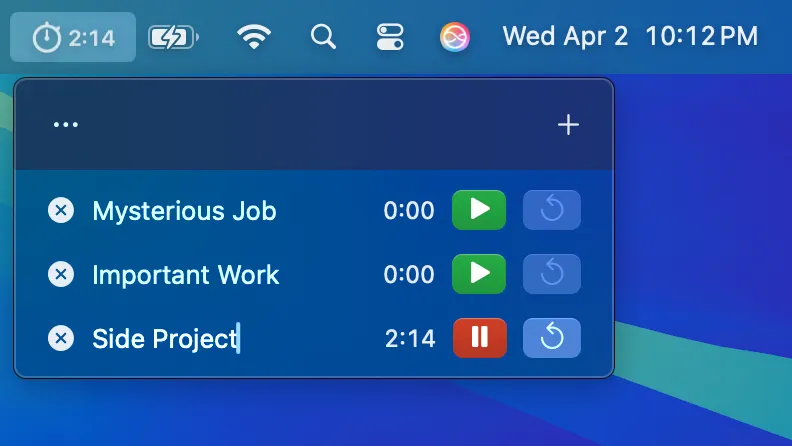
I’m always tracking my time—mostly while I’m at my desk working. I’ve been looking for a lightweight time tracker that was always accessible, easy to use, and simple enough that I could quickly start and stop timing tasks without distractions. The macOS menu bar is the perfect place for a persistent micro app. Existing solutions felt either too complicated or buried in app windows. I wanted something better.
Building the App with AI Assistance
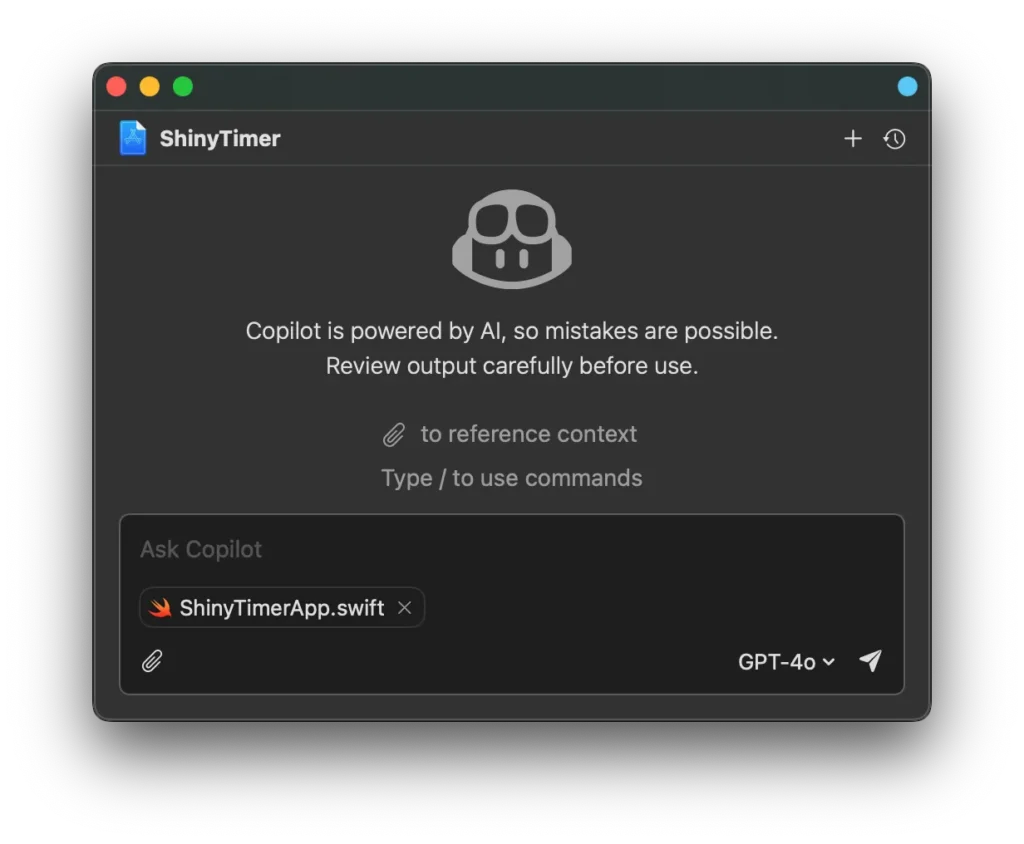
For development, I turned to SwiftUI — marking my first time using it exclusively for an app. I leveraged GitHub Copilot for Xcode, which significantly sped up my workflow by suggesting relevant code snippets and solutions in real time. Copilot was great for handling common SwiftUI patterns, but I still had to lean on Apple’s documentation and Stack Overflow for more challenging issues, like rendering a custom view in the menu bar. While Copilot helped generate ideas, debugging and refining the final implementation still required traditional code problem-solving.
Designing the App Icon with AI
To create a clean and visually appealing app icon, I used ChatGPT’s image generation to produce initial mockups that followed Apple’s Human Interface Guidelines. I wanted something similar to some official Apple macOS app icons, where there’s a realistic three dimensional object rendered over a flat surface. Xcode has a hammer overlaying blueprints, and TextEdit uses a pen resting on lined paper. I envisioned a mechanical stopwatch over paper timesheets. The mockups provided by ChatGPT provided a great starting point, helping me to visualize the final design. From there, I rebuilt the icon from scratch in Adobe Illustrator as a vector graphic, ensuring crisp scalability. I then imported it into Sketch for final export into macOS-friendly formats.

Building the Marketing Site with AI Tools
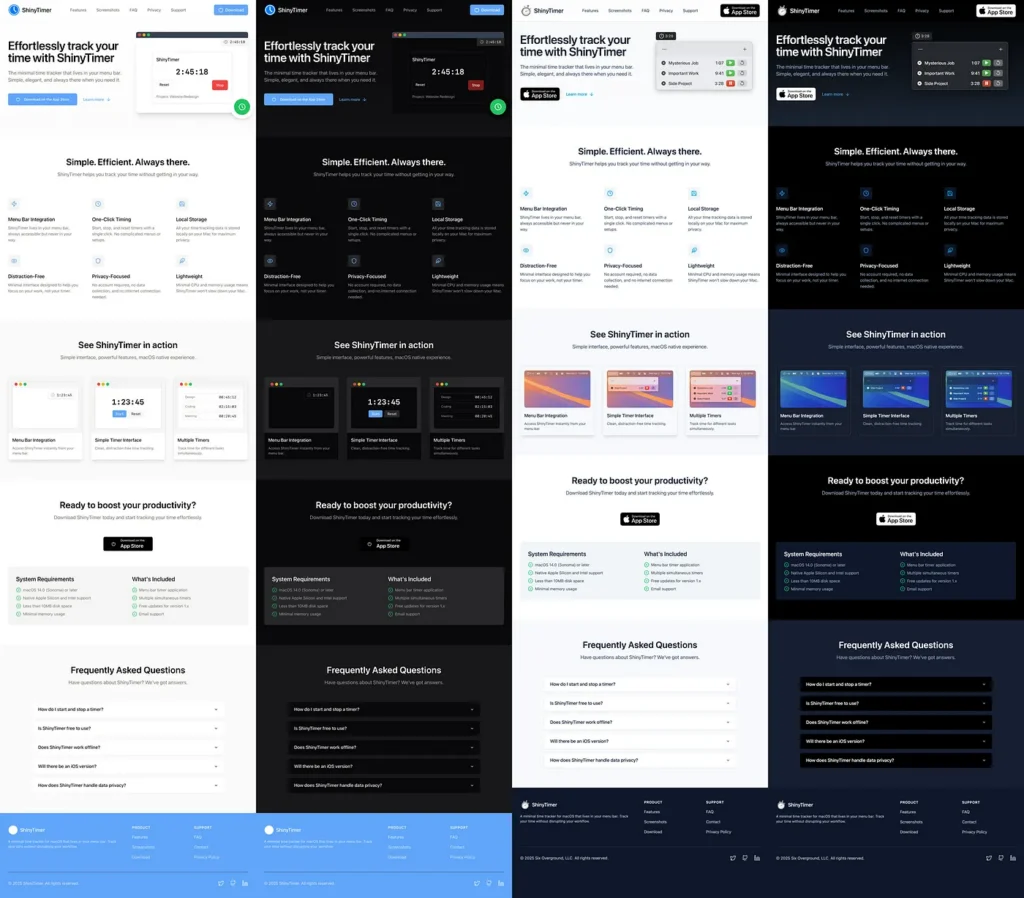
With the app functional and an icon in place, I turned my attention to the marketing site. I started by using Replit to quickly generate a React-based landing page, complete with the required privacy and support pages. Replit’s AI-assisted coding was particularly useful for boilerplate setup and content generation. It’s also really cool to see its agent thinking and working in real time. However, the code was bloated with unused components, included an old version of Tailwind CSS, and had some Replit-specific modules that would make the site difficult to port anywhere. I ended up creating a Vite app from scratch, and manually pulled in the individual components from Replit — refining them for performance and aesthetics.
AI as a Development Accelerator
This project was a testament to how AI can significantly enhance the speed and efficiency of software development. From code generation to design assistance and content writing, AI-powered tools allowed me to focus on refining my app rather than getting bogged down in repetitive tasks. Accepting what AI generates at face value would be a mistake. At one point Copilot placed me in an infinite feedback loop, trying to get the menu bar item to appear correctly. And the initial mockup for my app icon had a 20 second complication instead of 30, along with some typical AI weirdness. Without my experience in design and development, ShinyTimer and its companion assets would have been an inferior project. But having an AI engine alongside you as you work is unquestionably a performance boost.
And fittingly, even this article’s first draft was written with the help of ChatGPT. The future of software development isn’t just about writing code—it’s about leveraging AI to build smarter, faster, and better.
You can download ShinyTimer for free on the App Store. If you find it useful or want to see more, please leave me a comment!
Thanks for reading, and keep making! 🚀